Vacation Rental Booking Widget You Can Connect to Any Existing Domain
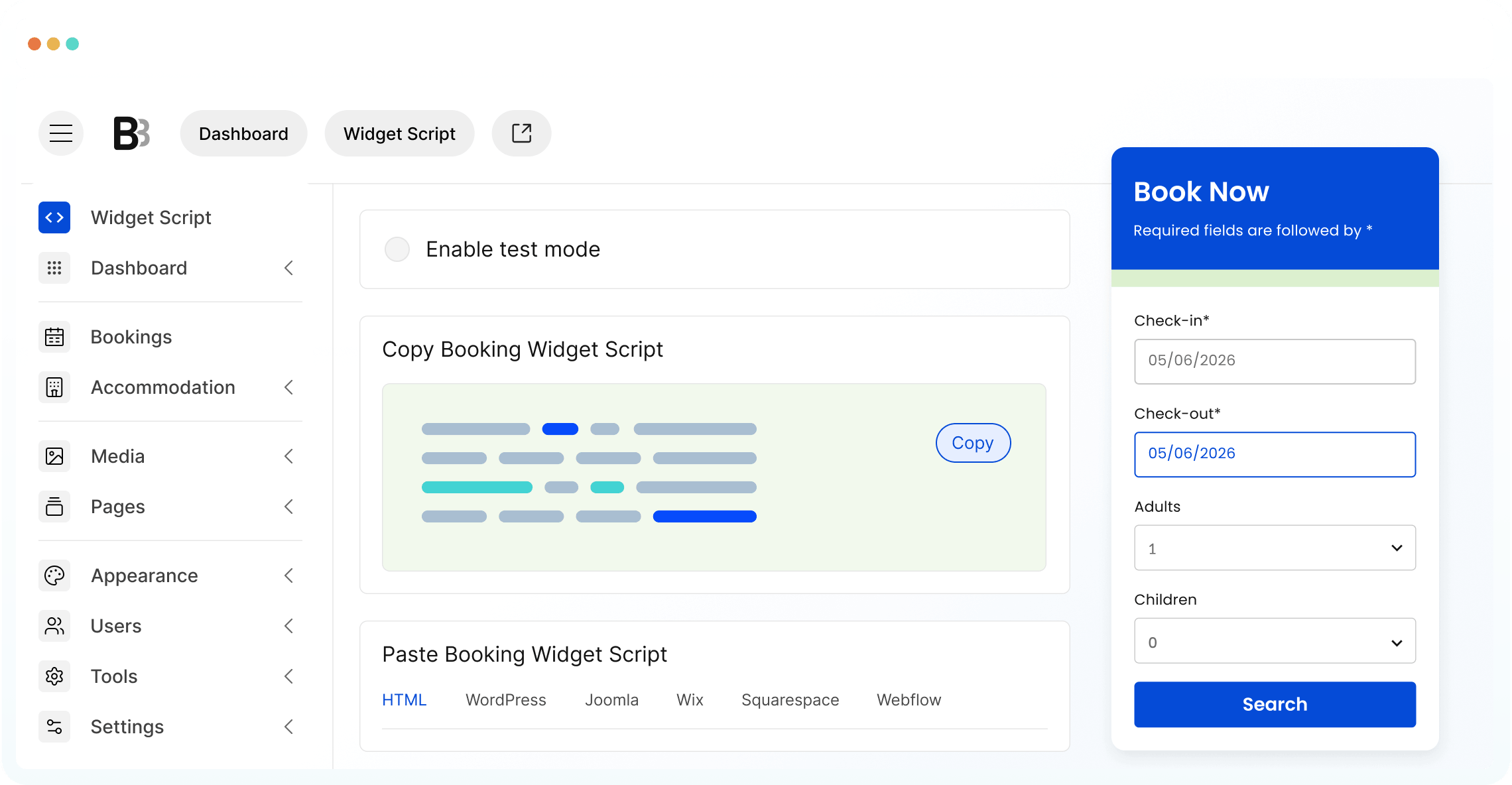
To create your own embeddable booking widget for short-term rental accommodations or hotel, BNBForms provides you with a fully-featured, intuitive property management dashboard. And it takes a few minutes to embed a direct booking engine to your website.
Mobile-Friendly Booking
The BNBForms vacation rental booking widget is easy to interact with from any modern device so be sure your guests will have the convenience to book a property quickly and intuitively.
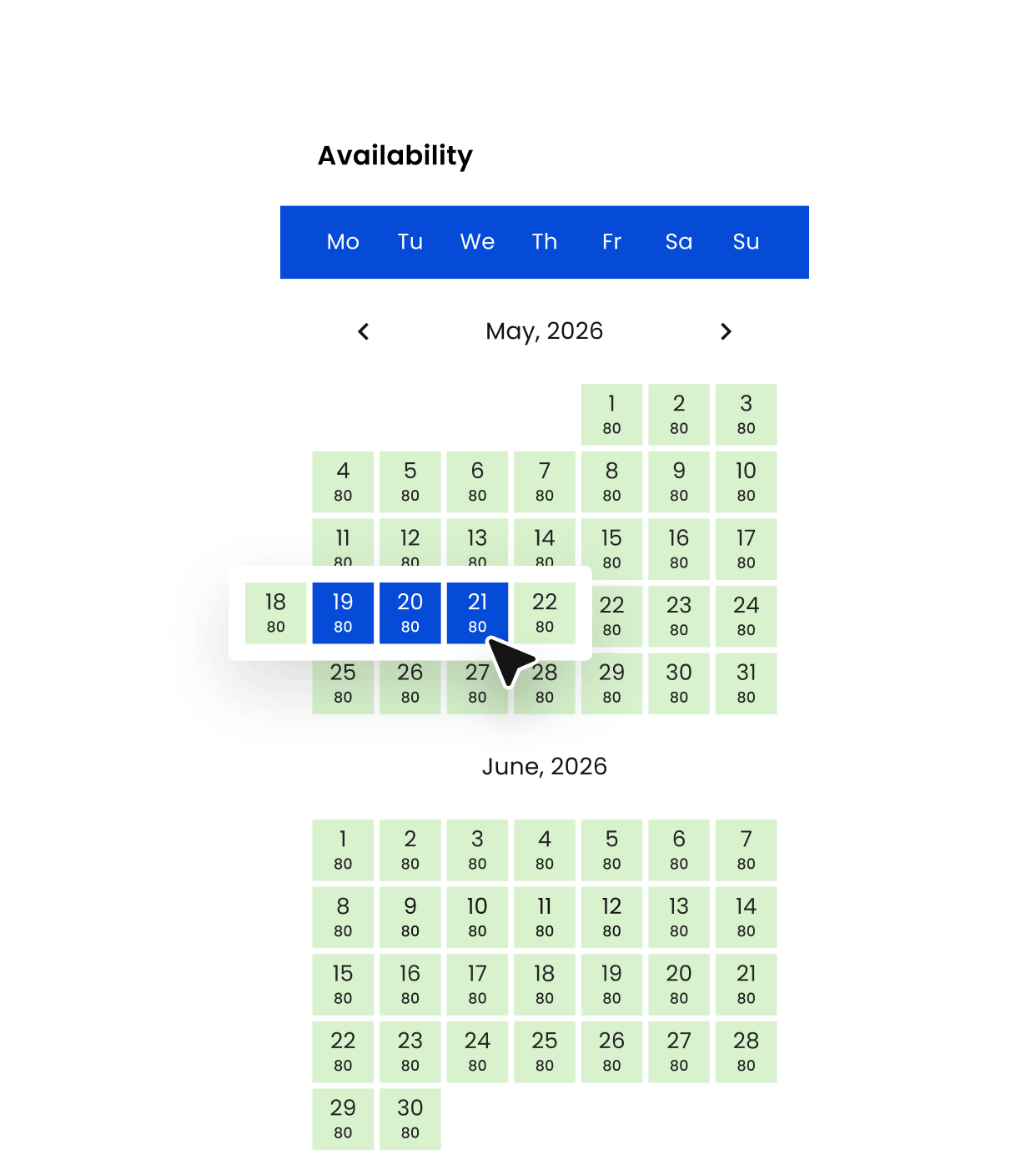
Availability and pricing in real time
Booked properties are blocked in real time (with optional OTA sync). Website visitors can see availability per property.
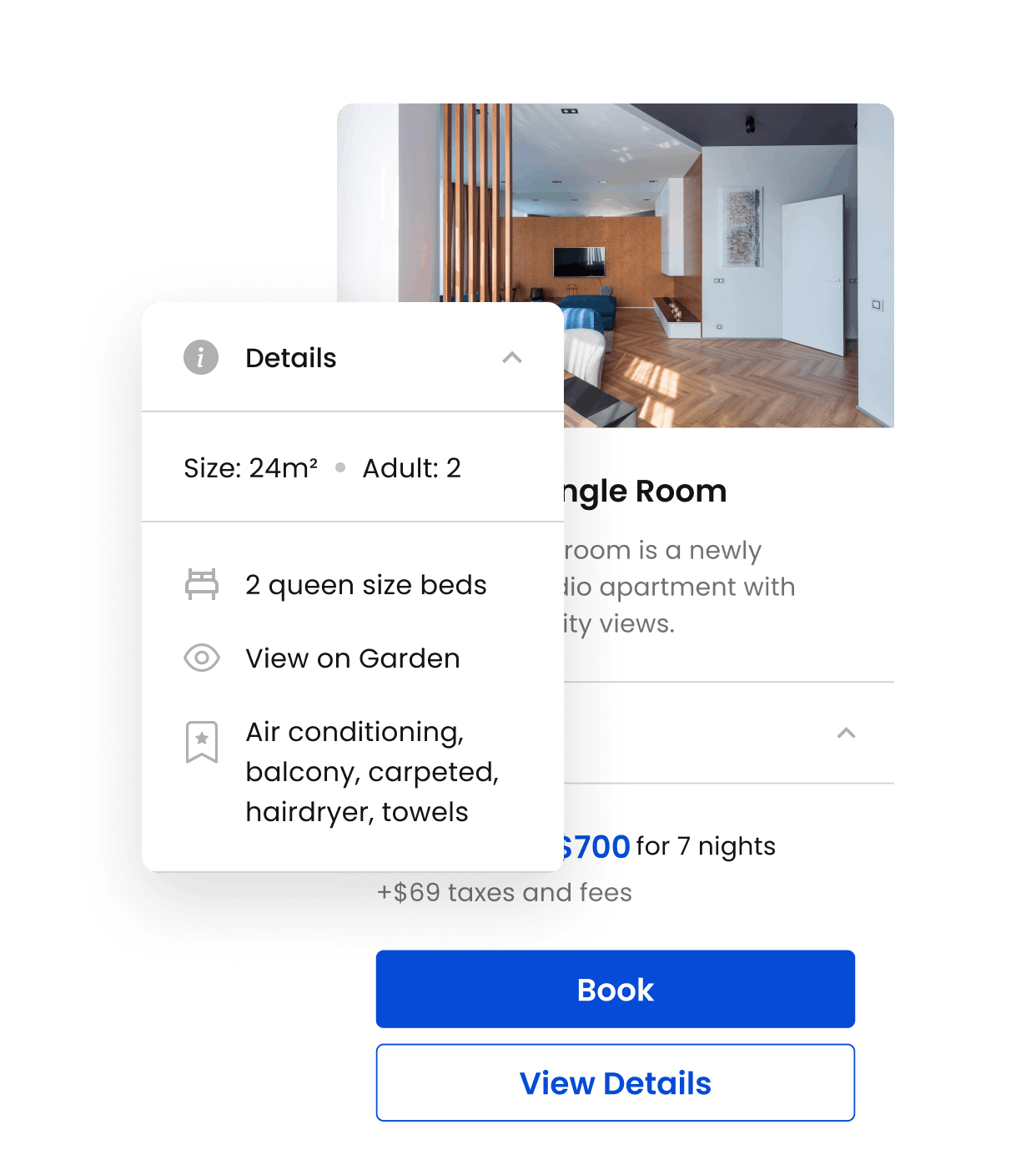
Property details
Property listings and individual property pages with image galleries, amenities, rates, and availability.
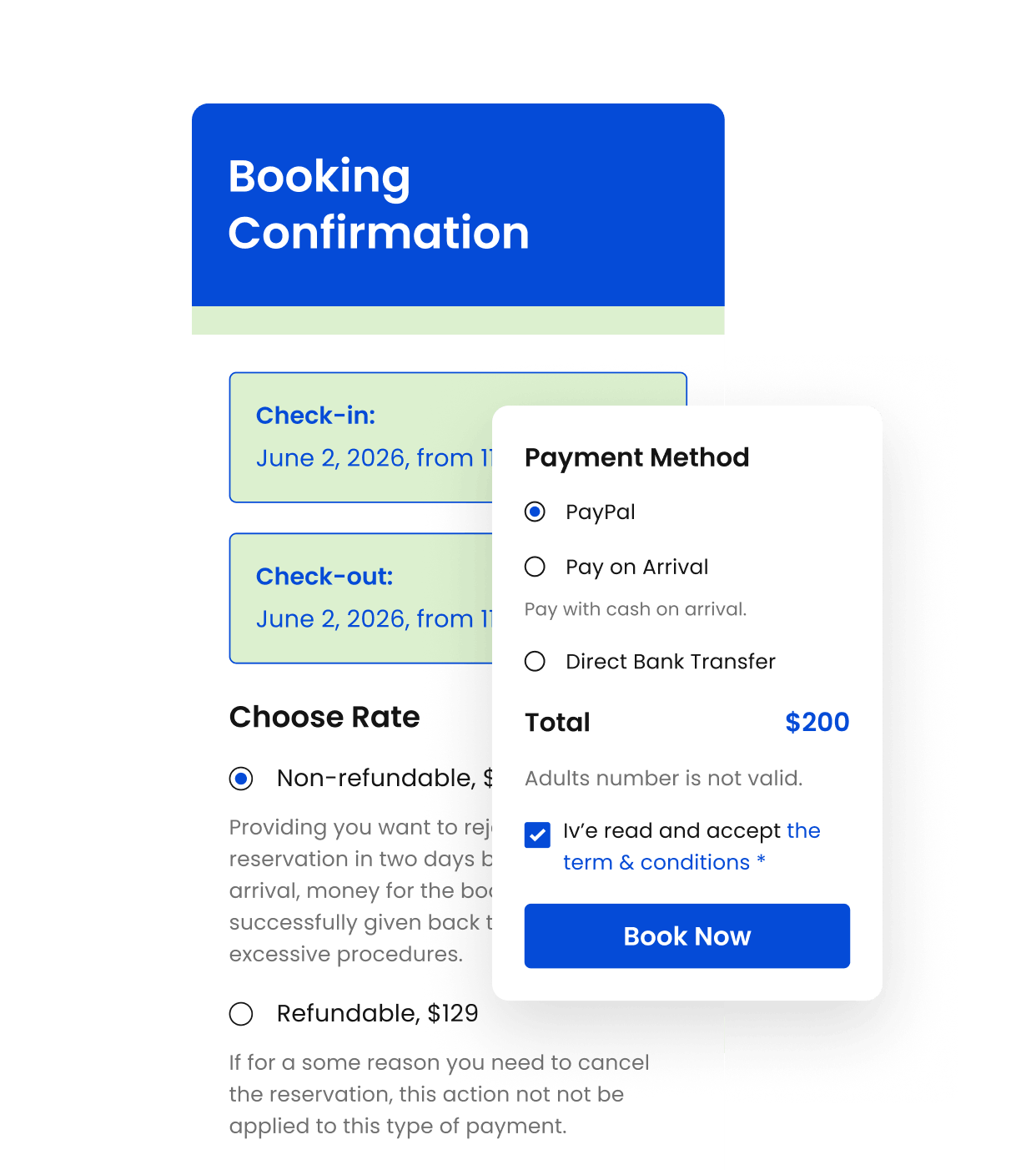
Smooth checkout
Rate selection, extras, coupons, deposits, and instant payment via PayPal, Stripe, Direct Bank Transfer, After-Arrival payment, etc.
Add Direct Booking Widget with Copy-Paste
WordPress, Joomla, Squarespace, Drupal, Wix and other most popular CMS platforms are fully supported. Getting started takes almost no effort. Drop a small piece of code into your site, tweak the look to fit your brand, and switch it on. In just a few minutes, your website becomes a fully functional booking engine – no technical skills required.




Fully Customizable
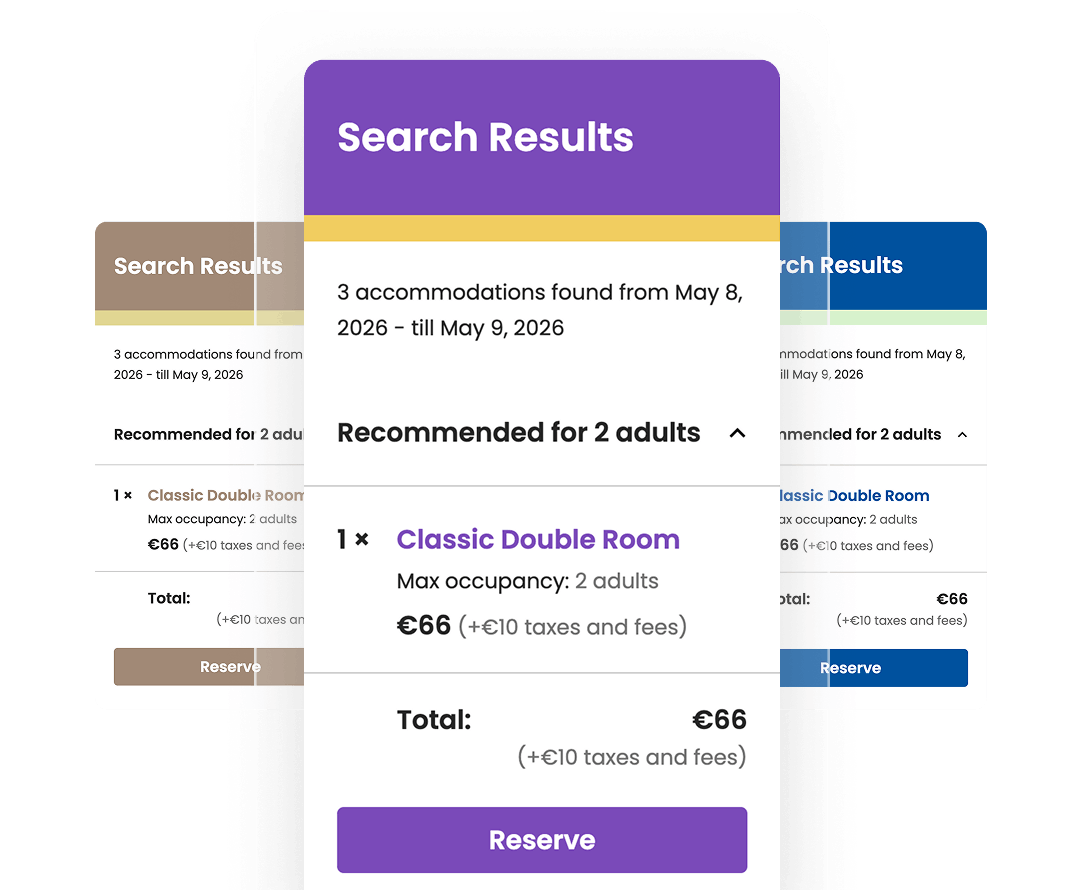
Edit a Color Scheme
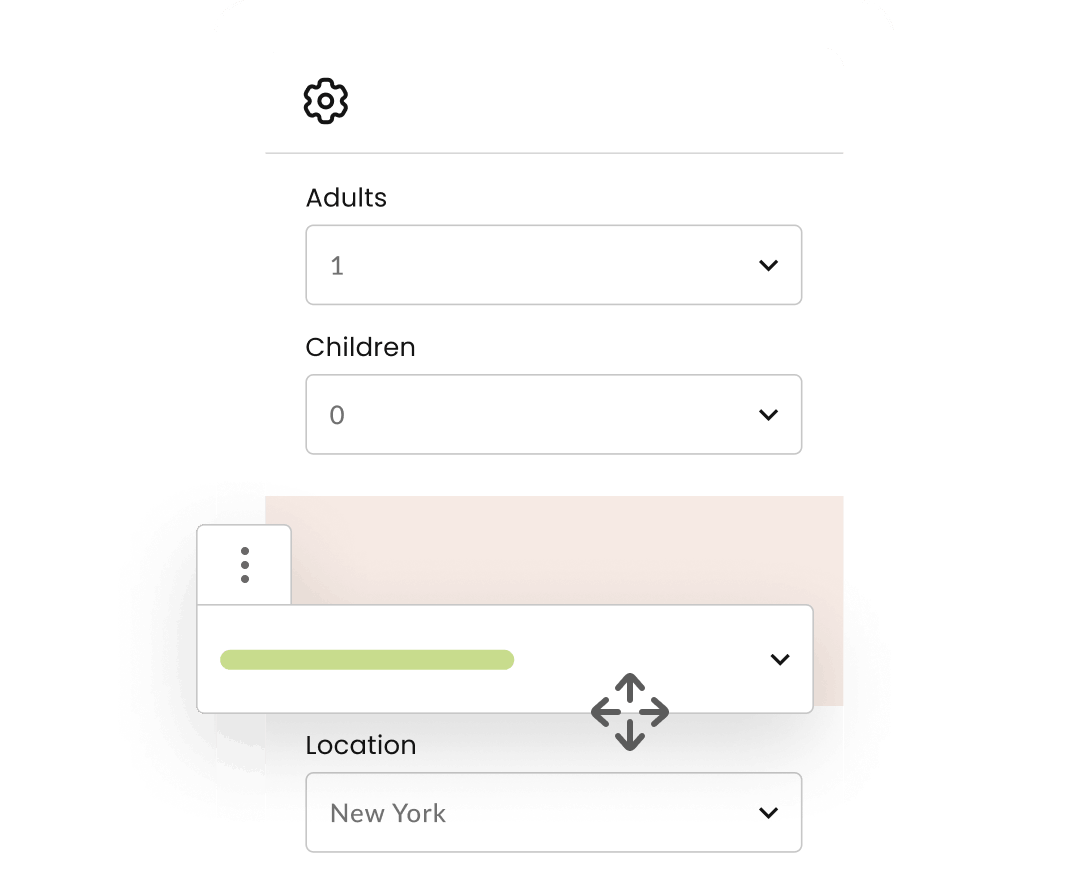
Add Custom Search Filters
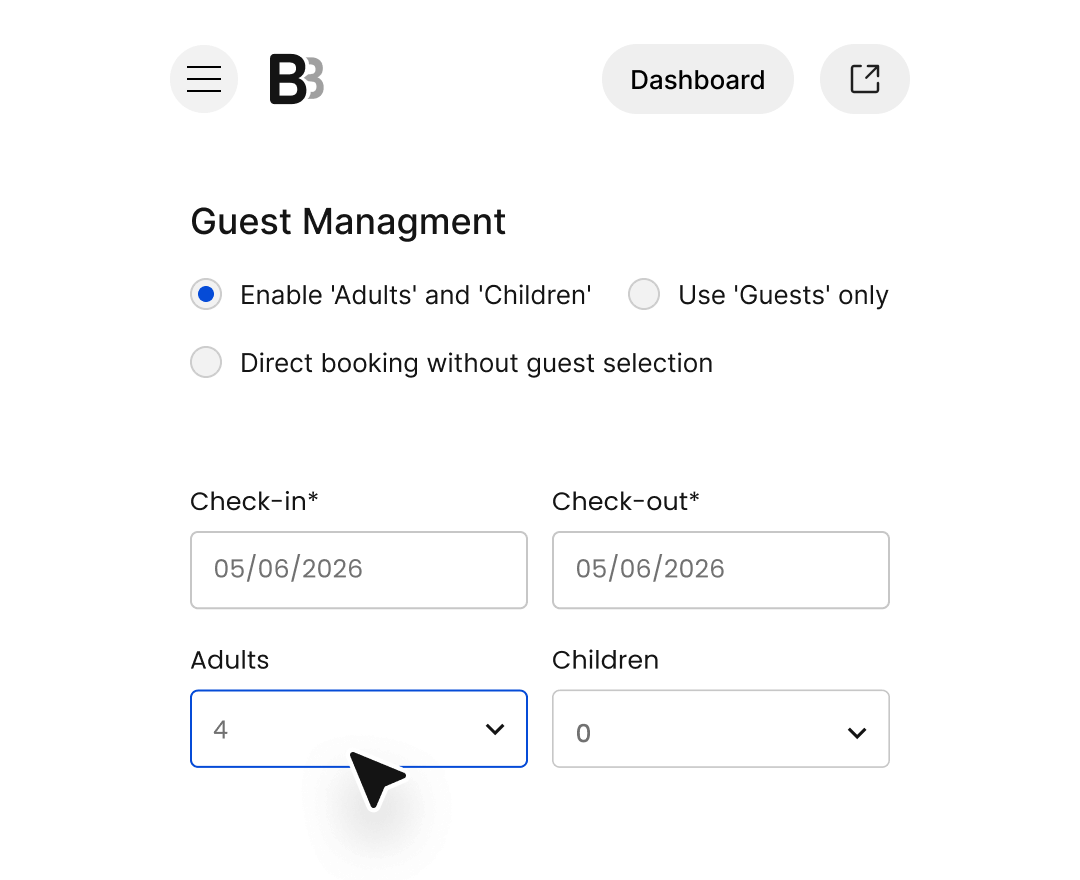
Use ‘Adults’ & ‘Children’, ‘Guests’ or Nothing
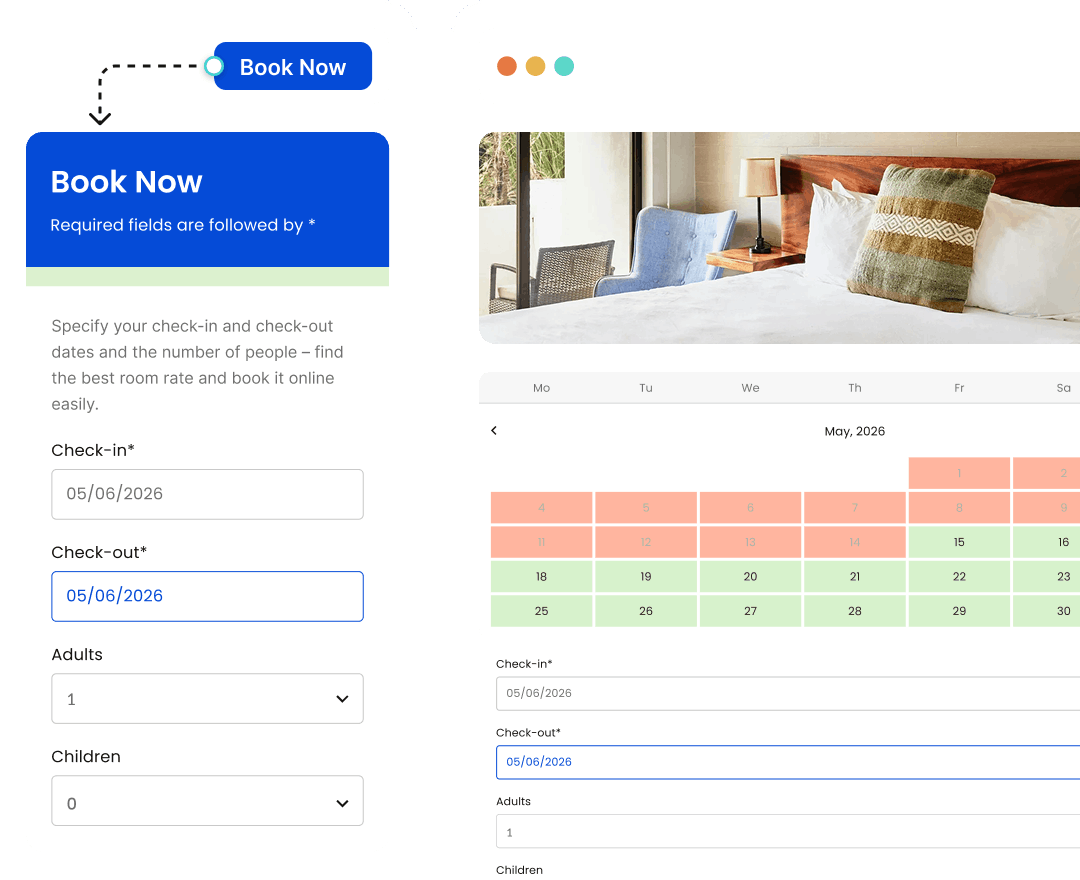
Add as a Book Now Button or iFrame
Start Capturing Direct Bookings on Your Website with the BNBForms Widget

One-page booking wizard
Guests book a property without leaving the current website page, in a handy step-by-step wizard, which makes it smooth for them to place a reservation.

Add to your site in minutes
We provide tutorials for all major website building platforms that allow you to add a booking widget for property in a few minutes, if not faster!

Accept unlimited bookings
The widget is ready to accept direct bookings seamlessly, with no additional setup or hidden charges. No extra fees for BNBForms.
Short Term Rental Booking Widget FAQ
Absolutely. The BNBForms widget for website is designed to work across most modern platforms, whether you’re using WordPress, Wix, Squarespace, GoDaddy, Webflow, Shopify, or a custom-built site.
You have full control over how you charge guests with BNBForms – offer deposits, full upfront payments, installment plans, or even allow payment on arrival. We support major cards, bank transfers, and popular digital wallets, all while maintaining strict PCI security standards.
Sure, text, background, headings, etc. – all colors can be customized to reflect your site’s brand identity. View short-term rental site examples built with BNBForms.
Yes, you can easily manage and adjust pricing in real time. The widget syncs with your BNBForms account, so you can apply seasonal rates, discounts based on length of stay, special offers, or integrate tools like PriceLabs. Any updates you make are instantly reflected on your website.
Sure, use the test mode on BNBForms.
As soon as a reservation is made, the guest receives a confirmation, and the booking is automatically added to your BNBForms dashboard (and to OTAs if connected).